
How to clean your PS5 or Xbox and free up space for GTA 6
How to make room for GTA 6 on PS5 and Xbox Series X|S, what an external drive can and cannot do, and how Sony and Microsoft say to clean the console.
Published . Updated
GTA 6 is a big download: Rockstar says it needs up to 212 GB depending on the console. If you are short of space, or your console’s fan is roaring, here is how to make room and clean the console, mostly from Sony’s and Microsoft’s own support pages.
How much space GTA 6 needs
Rockstar says up to 212 GB, depending on the console. The figures for each PS5 build and the German box are on our GTA 6 file size page. The boxed edition is a download code, so it needs exactly the same space.
How to free up space on PS5
- From the home screen, go to Settings > Storage to see how much room you have.
- Select Console Storage > Games and Apps to see what is taking up space, and delete games you are not playing.
- Or move them to a USB drive instead of deleting them: in the Game Library, highlight a game, press the Options button, select Move Games and Apps, then Move.
- If you have a compatible M.2 SSD installed, you can download GTA 6 straight to it by changing the Installation Location in the Storage menu.
What a USB drive can and cannot do. Sony says PS5 games cannot be played from USB extended storage. A parked game has to be copied back to console storage before you can play it again, so GTA 6 itself cannot live on a USB drive. The drive needs SuperSpeed USB 5 Gbps or faster and 250 GB to 8 TB of capacity, and it cannot be connected through a USB hub.
How to free up space on Xbox Series X|S
- Press the Xbox button, then go to Profile & system > Settings > System > Storage devices. Each drive shows how much space is used and free.
- Select a drive and choose View contents. Highlight a game, press the Menu button and select Uninstall.
- Or choose Uninstall content to open the Free up space screen, where Xbox suggests items you could remove.
- To keep a game without the space it takes, move it to an external drive: from My games & apps > See all > Games, highlight it, press Menu, select Manage game and add-ons, select the game box at the top right and choose Move or copy.
You do not lose anything by uninstalling. Xbox says your saved games sync online and your license stays in the cloud, so a reinstalled game comes back with your progress.
What a USB drive can and cannot do. An external drive for games must hold at least 128 GB and connect over USB 3.0 or 3.1. Games optimized for Series X|S can be stored on it, but to play them they must be on the internal SSD or a Storage Expansion Card, which is sold separately. GTA 6 runs only on Series X|S, so plan to keep it on internal storage or an expansion card.
How to clean your PS5
Sony’s support page on fan noise explains that a loud fan in demanding games is normal: it is cooling the console harder. To stop the console overheating, Sony advises:
- Unplug it first. Always disconnect the AC power cable from the back of the console before cleaning.
- Vacuum the vents. Use a low-powered vacuum cleaner on the dust in and around the air vents.
- Do not let dust build up in or around the vents.
- Keep the vents clear. Leave at least 10 cm of free space around each side, and keep the side and back vents unblocked.
- Mind where it stands. Not on a carpet or rug with long fibres, and not in a narrow or cramped space.
How to clean your Xbox Series X|S
Xbox Support’s cleaning page says:
- Unplug it first. Power off the console and disconnect it from the wall before cleaning.
- Use a soft cloth. A soft lint-free cloth, such as microfibre, dampened with a little mild soap and water. Clean every 3 to 6 months, or whenever needed.
- No liquid on the console. Put the liquid on the cloth, never directly on the console or controllers.
- To disinfect a Series X or Series S, use a soft cloth dampened with an isopropyl alcohol solution of 70% or less. Microsoft says not to use disinfectant wipes on these consoles. Wipes are fine for the standard controller.
The official page does not cover dust inside the vents. GamesRadar+ and SlashGear add:
- For dust in the vents, switch the console off, unplug it, and use a low-power vacuum cleaner or compressed air.
- Give it room. Not in a confined space, near heat or on a soft surface.
- Do not open it. Microsoft recommends cleaning only the outside, and Xbox support does not recommend opening the console. If it still overheats or shuts down after cleaning, contact Xbox about a repair.
A quick checklist
- Make sure you have at least 212 GB free, or more if your box asks for it.
- Park old games on a USB drive instead of deleting them, if you have one.
- Unplug the console and clear the dust from the vents.
- Give it space on every side, on a hard surface.
Once it is installed, see how long the story takes and the GTA 6 cheats.
Questions and answers
Can I play GTA 6 from an external hard drive?
No. A PS5 cannot run PS5 games from USB extended storage, and Xbox Series X|S games have to be on the internal SSD or a Storage Expansion Card. A USB drive is useful for parking other games to make room.
How do I clean my PS5?
Unplug the AC power cable from the back of the console first, then use a low-powered vacuum cleaner on the air vents. Sony also advises keeping at least 10 cm of free space around each side and not standing the console on a thick carpet or in a cramped space.
How do I clean my Xbox Series X or Series S?
Turn it off and unplug it from the wall. Wipe the outside with a soft lint-free cloth lightly dampened with mild soap and water, and never pour liquid onto the console. To disinfect it, use a cloth with isopropyl alcohol of 70% or less; Microsoft says not to use disinfectant wipes on Series X or Series S. Dust in the vents can be cleared with a low-power vacuum or compressed air, without opening the console.
Sources
ReportedFrom launch guides and player reports.
- Grand Theft Auto VI Pre-Load Begins on November 10, Rockstar Games (2026-11-03)
- USB extended storage on PS5 consoles, PlayStation Support
- PS5 console is making noise, PlayStation Support
- Manage storage on your Xbox console, Xbox Support
- Clean and care for your Xbox console and accessories, Xbox Support
- How to clean your Xbox Series X, GamesRadar+
- The Best Way To Clean Your Xbox Series X To Keep It Running Like New, SlashGear
Updated: by gtaplayhub editors
Related GTA 6 news
GTA 6 file size and pre-load times: up to 212 GB
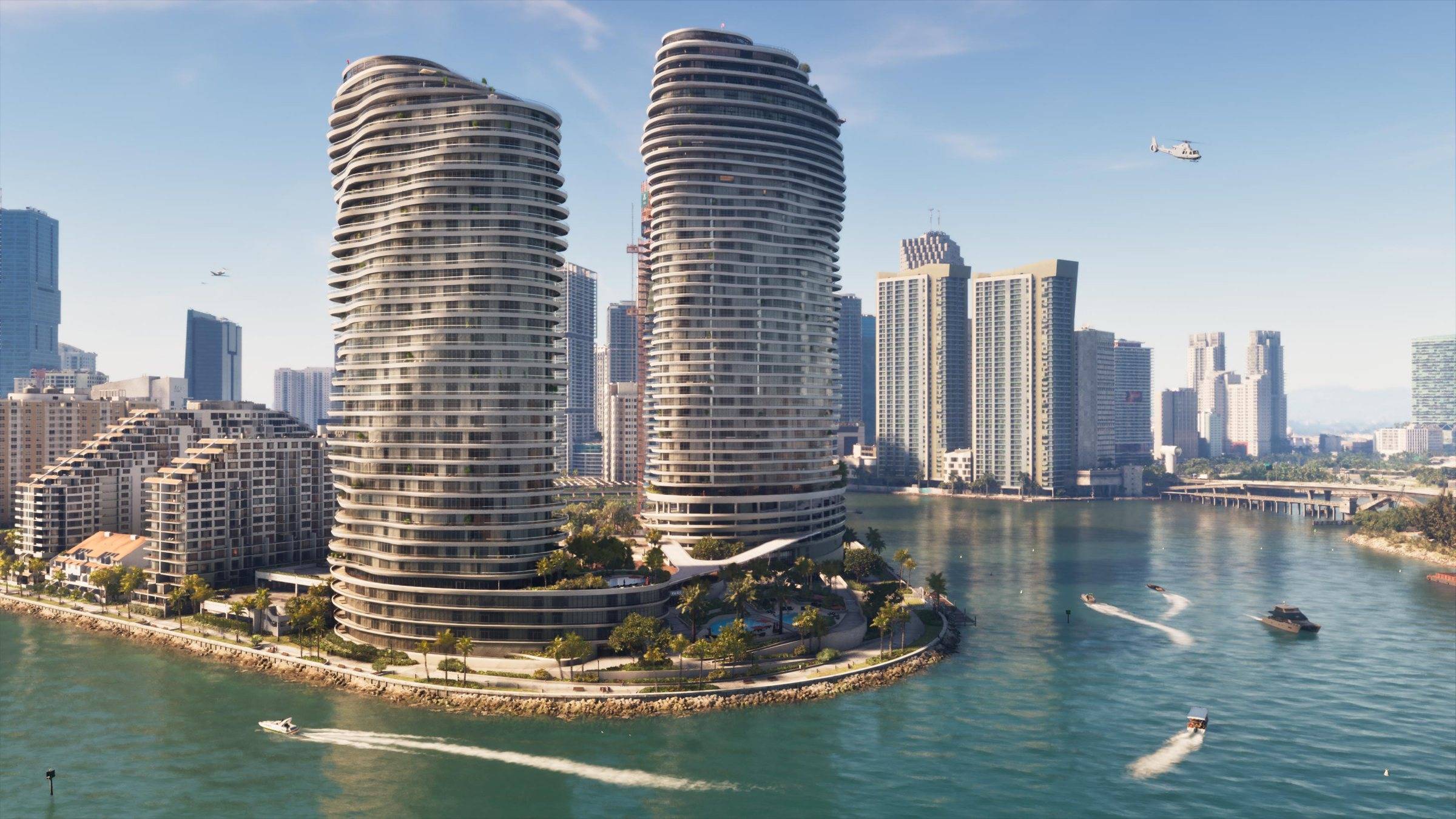
How big is GTA 6? Up to 212 GB, and about 210 GB on PS5. Pre-load start times for PS5 and Xbox Series X|S, the boxed edition and what the PS5 Pro adds.
GTA 6 physical copy: there is no disc, and what the code flaw means
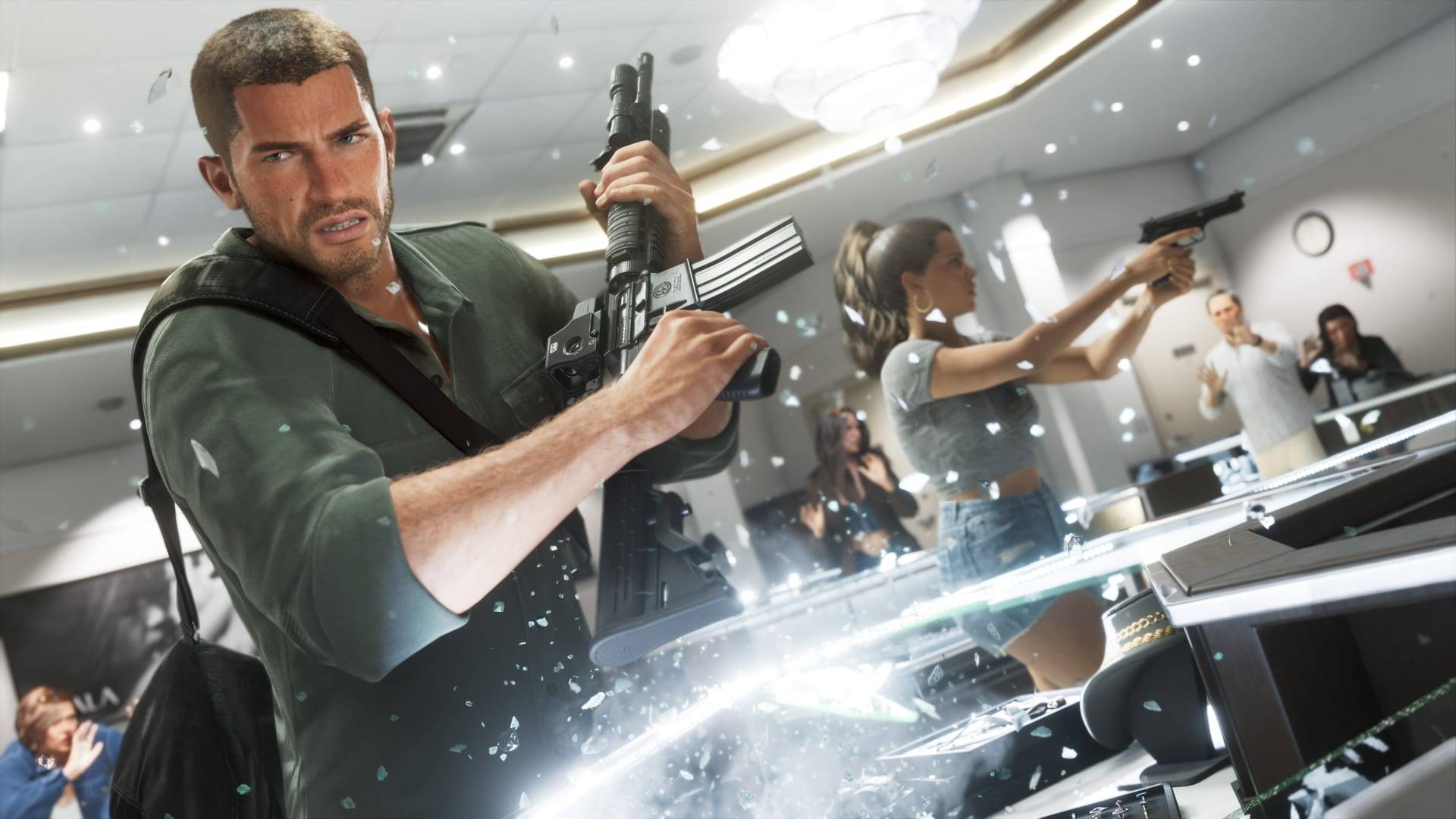
The boxed GTA 6 for PS5 and Xbox has no disc, only a download code. What is in the box, the flashlight code scare, missing codes and the $0.99 poster.
How long to beat GTA 6? Story length, 100% and GTA 5 compared
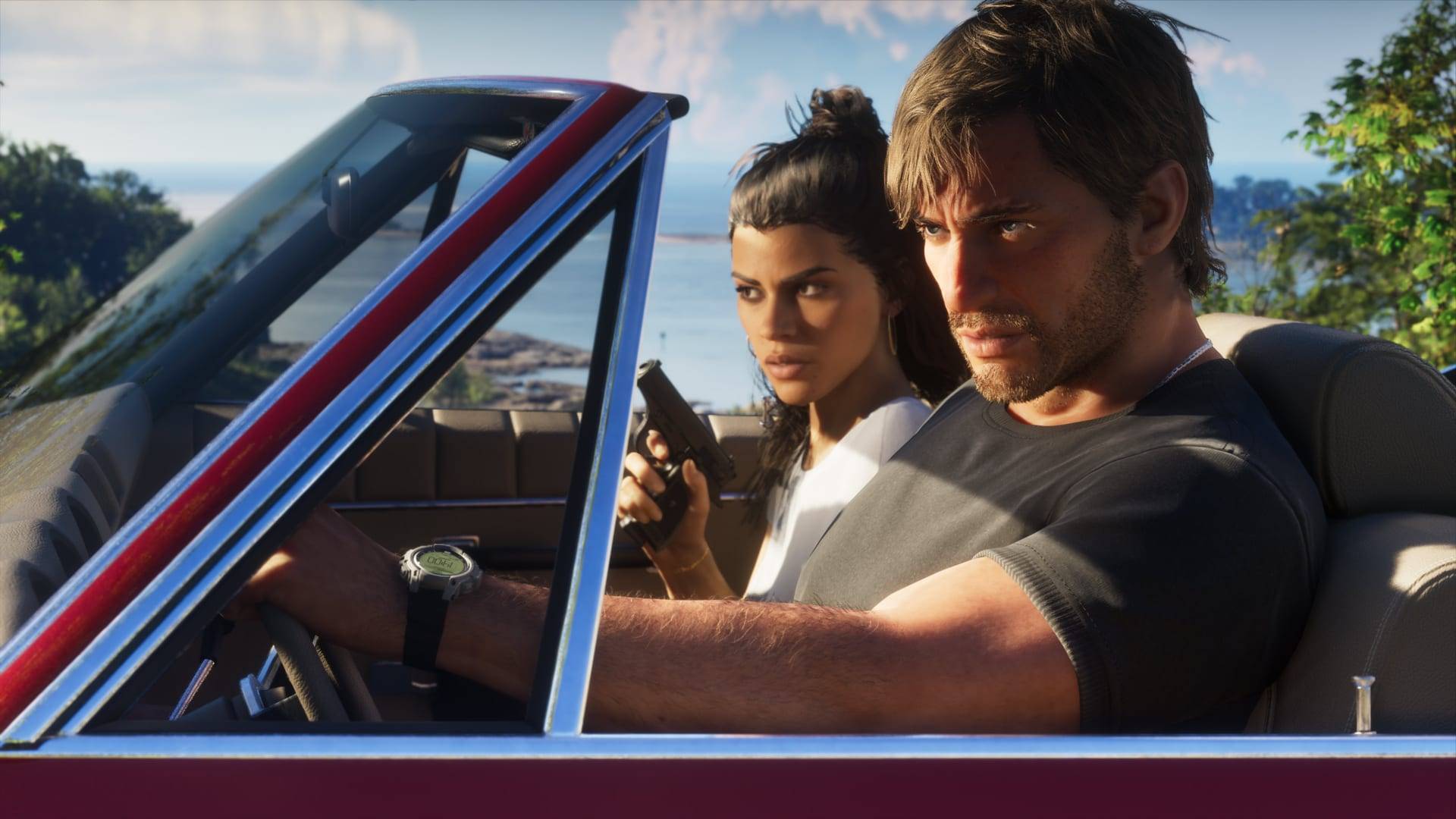
GTA 6's story takes 45 to 80 hours, and most players land near 70. Reviewer times, chapter and mission counts, 100% estimates and how long GTA 5 takes.


